
Native Barcode Generator for Microsoft Access
Dynamic barcodes for Access forms and reports that stay embedded in the database.
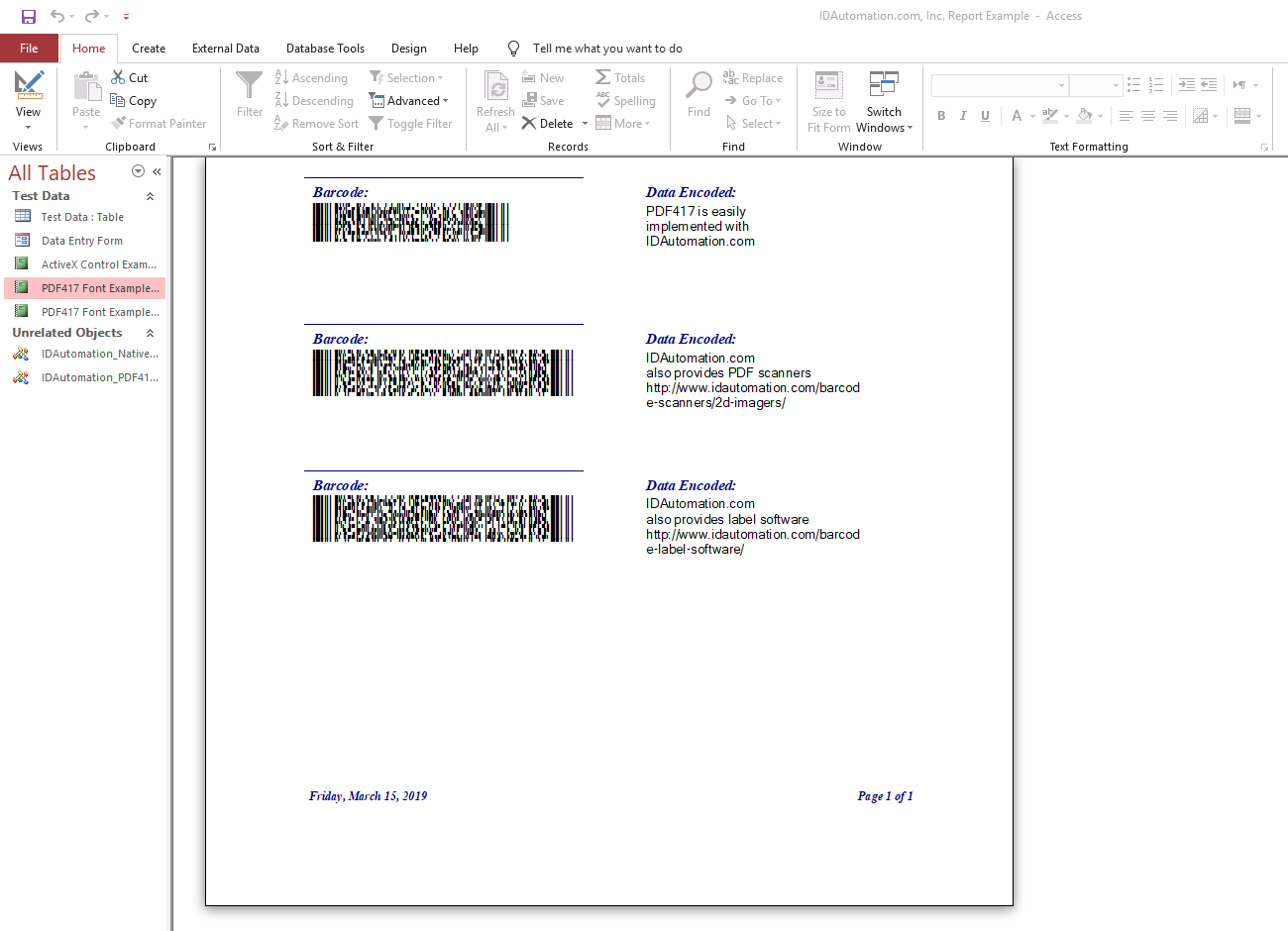
Native Barcode Generator for Access
The Native Barcode Generator for Microsoft Access enables dynamic barcoding capability to Microsoft Access forms and reports without the installation of additional fonts or other components. Once installed, the product remains embedded in the database, even when distributed. Complete VBA source code is provided with purchase.
Supported Symbologies
Code 3 of 9, Code 128, GS1-128, MSI, ITF, DotCode, Data Matrix, QR Code and PDF417. Data Matrix and QR Code support UTF-8 encoding; QR Code supports the Swiss QR-Bill and TLV Base64.
No Dependencies
Barcodes are created without separate fonts, DLLs or plug-ins, so a database can be redistributed with the barcode objects embedded.
Source Code Included
The complete VBA source code is delivered as a module that can be reviewed and customized.
Using the Generator in Access
- Import the VBA module into the database.
- Add a text box to a form or report and enter the generator function with the data field in the Control Source property.
- Set the symbology, ratio and orientation with the function parameters, and set the bar height by resizing the text box.
Barcodes can be rotated, GS1 Application Identifiers are supported, and USPS barcodes including Intelligent Mail and Postnet are available. To print labels from Access data, the Barcode Label Software can link to Access columns as a data source.
Buy Native Generator for AccessRefer to the Access Overview
Barcode Fonts Instead?
Self-checking fonts such as Code 39 work in Access with a formula in the Control Source property; refer to the Access overview. For symbologies that need check characters, use the VBA macros with the matching font.